

MacBook Repair in Brampton
Screen, battery, keyboard, charging and liquid-damage repair for MacBook Air and MacBook Pro — Apple M-series and older Intel models. Free basic check and quote, and you get the exact price before any work.
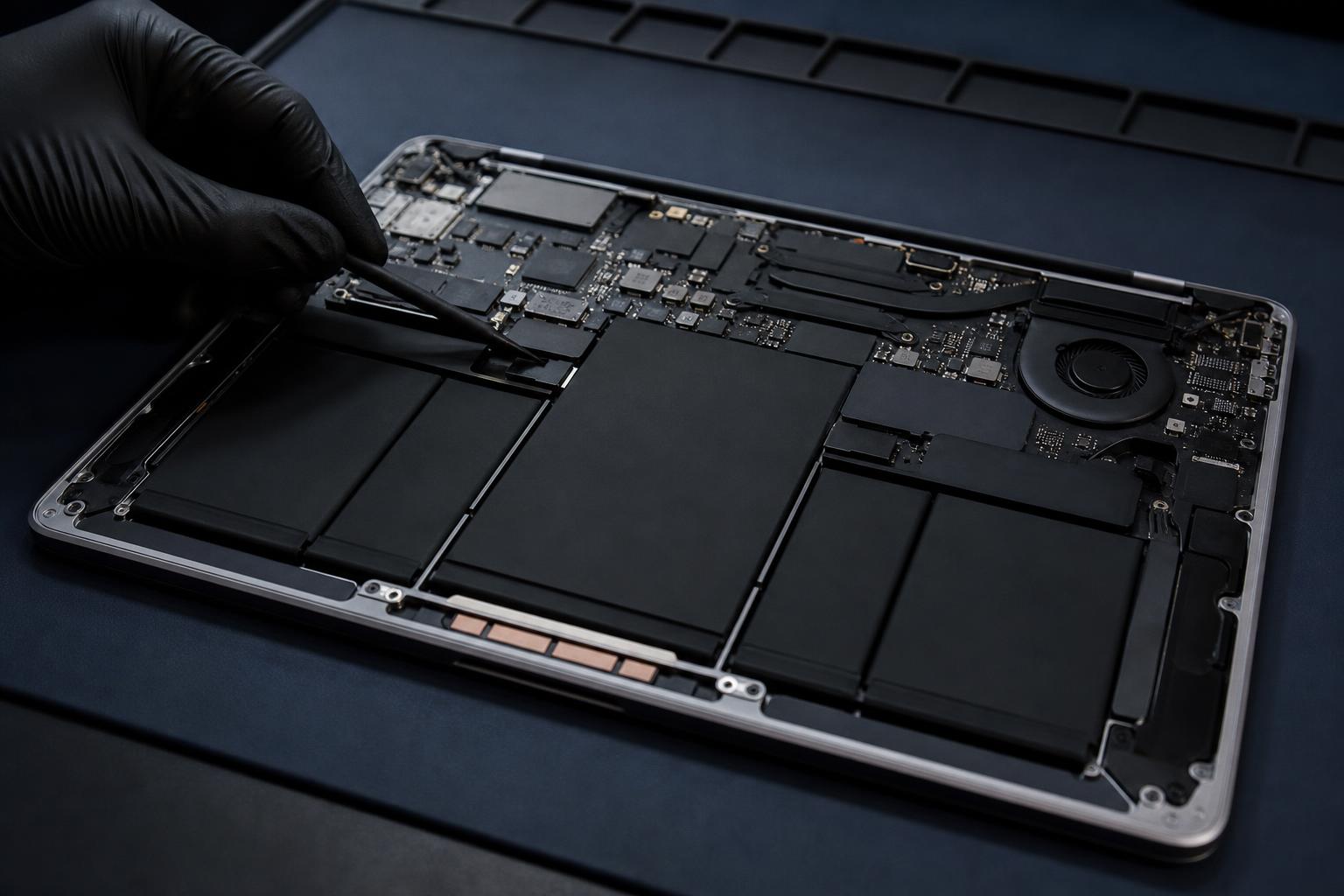
Common MacBook repairs
Cracked glass, lines, flicker, or a black screen while the Mac is still on.
"Service Recommended" warning, fast drain, early shutdown or a swollen battery.
Sticky, repeating or dead keys, and trackpads that won't click.
Coffee, water or juice spills on Air and Pro models — clean-up and board repair.
Not charging, loose charger, or ports that stopped working.
No power, boot loops and logic-board faults.
How long MacBook repairs take
Every repair starts with a free basic check and quote. We give you the exact price for your model before we start.
| Repair | What we do | Typical time |
|---|---|---|
| Screen replacement | Replace the display and test it | Same / next day* |
| Battery replacement | Fit a new battery and check charging | Same / next day* |
| Keyboard & trackpad | Clean, repair or replace keys and trackpad | 1–3 business days |
| Charging / USB-C port | Diagnose and repair the port or board | 1–3 business days |
| Liquid damage | Clean the board and repair damage | 2–5 business days |
| Logic board | Board-level diagnosis and repair | 2–5 business days |
*When the part is in stock. If a part needs to be ordered, we tell you the date before you leave.
Small repairs start at $39.99. Basic check and quote are free. If we need to open the MacBook and test parts, the diagnostic is $40 — taken off your repair bill if you go ahead.
MacBook screen replacement
If your MacBook screen is cracked, shows lines, flickers or stays black while the computer is still running, the display usually needs to be replaced. We check first to make sure it is the screen and not the cable or the logic board, then give you an exact price.
MacBook battery replacement
Signs you need a new battery: a "Service Recommended" message, the Mac shuts down early, or the case or trackpad starts to lift. A lifting trackpad can mean a swollen battery — stop using the MacBook and bring it in.
Spilled something on your MacBook?
Turn it off, unplug it and don't try to charge it or dry it with heat. Bring it in as soon as you can — the sooner the board is cleaned, the better the chance of saving it. Liquid repairs take 2–5 business days.
MacBook repair questions
Are you an Apple Store?
No. Ultracomputer is an independent repair shop in Brampton and is not an Apple Authorized Service Provider. We explain your part options and prices before any work.
Do you repair Apple M-series MacBooks?
Yes. We repair screens, batteries, keyboards and liquid damage on Apple M-series MacBooks and older Intel models.
How much does MacBook repair cost?
It depends on the model and the part. The basic check and quote are free, and you get the exact price before we start. If we need to open it up and test parts, the diagnostic is $40 — taken off your repair bill if you go ahead. Nothing happens until you say yes.
Will my files be safe?
Most repairs don't touch your files. If you can, back up with Time Machine or iCloud before you drop off your Mac.
Do I need an appointment?
No. Walk in during store hours, or call ahead to check a part is in stock.
Bring your MacBook in today
50 Sunnyvale Gate, Unit 16, Brampton · Mon–Fri 11–7 · Sat 11–5